Semantic HTML5.
Modern CSS3.
Live on the Internet.
For ages 10 to 14. The transition from passive internet consumption to active software development. Students write real code from scratch, mastering responsive layout grids, flexbox alignment, and interactive JavaScript.
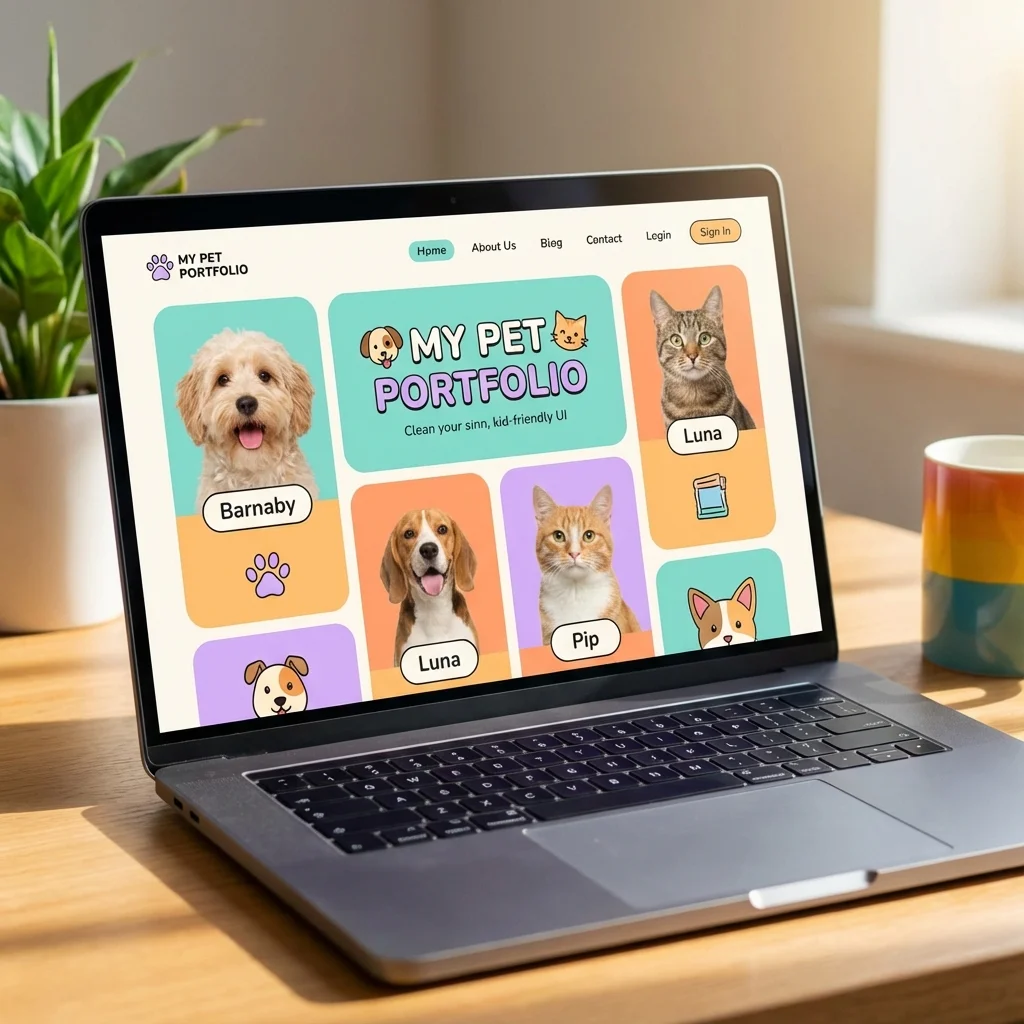
Deployed Portfolio & Dynamic Web Applications
Real HTML, CSS & DOM Code
No website builders or drag-and-drop templates. Students code authentic semantic documents, modern responsive styles, and interactive scripts.
<!-- Project: Responsive Astro-Blog Card -->
<article class="planet-card">
  <div class="card-badge">Exoplanet 42</div>
  <h3 class="card-title">Kepler 186-f</h3>
  <p class="card-desc">
    First validated Earth-size planet in habitable zone.
  </p>
  <button id="exploreBtn" class="btn-cta">
    Launch Probe →
  </button>
</article>Kepler 186-f
First validated Earth-size planet in habitable zone.
Launch Probe →10-Week Web Wizards Syllabus
Students build, style, and deploy 4 original websites in private 1-on-1 sessions, learning industry-standard tools and web architecture.
Semantic Markup & Document Architecture
Weeks 1 to 3 · HTML5 foundations, hyperlinks, media embeds, and forms
How the web works, servers, browsers. Writing headings, paragraphs, lists, and semantic container tags.
Absolute vs relative paths, embedding high-res imagery, audio elements, and structured data tables.
Input fields, radio buttons, dropdowns, and building their first multi-page Fan Portal website.
Modern CSS3, Typography & Color Systems
Weeks 4 to 5 · The Box Model, custom fonts, and styling precision
Margins, padding, borders, content box calculations, and avoiding layout overflow.
Google Fonts integration, line heights, letter tracking, hex/hsl color models, and subtle hover transitions.
Responsive Layouts, Flexbox & CSS Grid
Weeks 6 to 8 · Modern layout engines for mobile, tablet, and desktop
Justify-content, align-items, flex-direction, and engineering modern navigation bars and card decks.
Grid template columns, fractional units, gap spacing, and fluid responsive breakpoints.
Building a fully responsive multi-card product showcase and animal sanctuary adoption gallery.
JavaScript DOM & Live Portfolio Deployment
Weeks 9 to 10 · Adding interactivity, custom domains, and live hosting
Event listeners, dynamic dark mode toggles, interactive modals, and form validation.
Publishing sites live to Netlify/GitHub Pages with custom URLs to share with family and admissions boards.
Web Wizards Programme Fee
$80/month
4 x 1-hour 1-on-1 sessions per month · No lock-in contracts
- ✓ Dedicated 1-on-1 private web development mentor
- ✓ 4 Deployed live websites hosted with shareable links
- ✓ Between-session tutor chat and code reviews
- ✓ Monthly progress report sent to parents
- ✓ Pause, reschedule, or cancel any month with zero fees
Questions? View full roadmap & FAQ
Real Code
HTML5, modern CSS3, and JavaScript - every student launches and hosts a multi-page interactive website to share with friends and family.
"Building websites empowers children to become active creators of the internet, understanding how the digital products they interact with daily are built."
- STEMulus Web & Frontend Faculty
Frequently Asked Questions
Is this the same as Scratch or coding games?
No! HTML/CSS is actual coding | the same languages professional web developers use. Unlike Scratch which uses blocks, students write actual code. This is a great next step after Scratch, or a perfect first text-based coding experience.
Will their websites actually be online?
Yes! By the end of the program, students will have websites published on the live internet using free hosting. They'll have URLs they can share with family and friends | like mychild.github.io/mysite!
What computer is needed?
Any laptop or desktop computer with a web browser works! For in-person classes, we provide all equipment. For online classes, students need Chrome, Firefox, or Edge and we'll guide them through the free tools we use.
What comes after this program?
After mastering HTML/CSS, students can progress to our Full-Stack Web Development program which adds JavaScript and server-side programming. They'll go from static pages to fully interactive web apps!
Explore Related Engineering Tracks
Seamless progression paths into advanced full-stack systems and creative computing.
Full-Stack Web Dev
Ages 14 to 18 · Level 03 Advanced
Scale into React, Node.js APIs, and database engineering.
Scratch Game Creators
Ages 5 to 10 · Level 01 Foundations
Algorithmic game mechanics and foundational visual logic.
Digital Art & Design
Ages 7 to 14 · Creative Suite
Vector UI assets, design tokens, and user experience craft.