Our Curriculum
Choose your path. Build future skills. Watch them thrive.
Structured 1-on-1 weekly classes led by expert mentors. Students progress along a custom technology pathway, building games, physical hardware, and full-stack software. Select your filters below to explore the roadmap.
Chart Your Technology Journey
Select your child's age or track preference to project their custom pathway from first touch to systems operator.
Digital Foundations
Getting started with interaction, keyboard posture, and visual game development logic.

Pre-Coding Literacy
Master mouse clicks, coordinate drag-and-drop navigation, and basic folder directory file structures.
Tools Mastered: Keyboard Trainer, paint tools, browser directories, OS files.
Outcomes: Coordinates navigation, posture, saving files correctly.
Pre-Coding
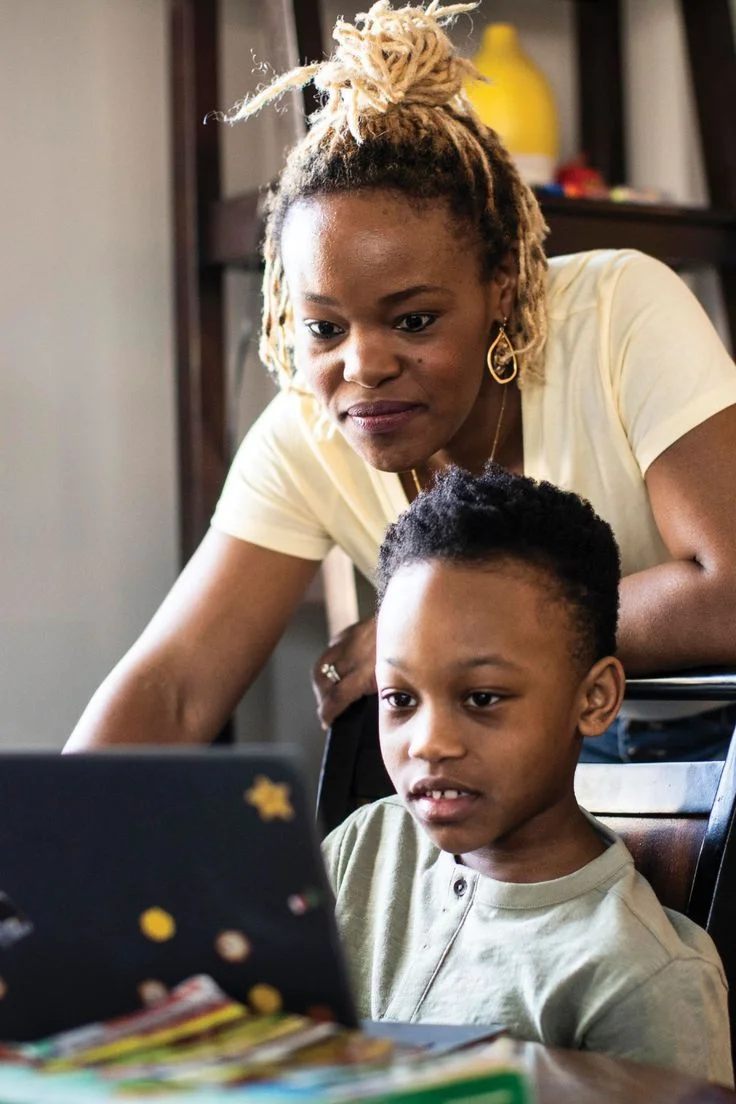
Typing & Safety
Keyboard Basics & Safety
Develop touch-typing accuracy. Learn safe internet browsing rules, posture coordinates, and healthy screen habits.
Tools Mastered: Typing tools, Chrome secure navigation systems.
Outcomes: Typing speed > 15 WPM with correct hand positions.
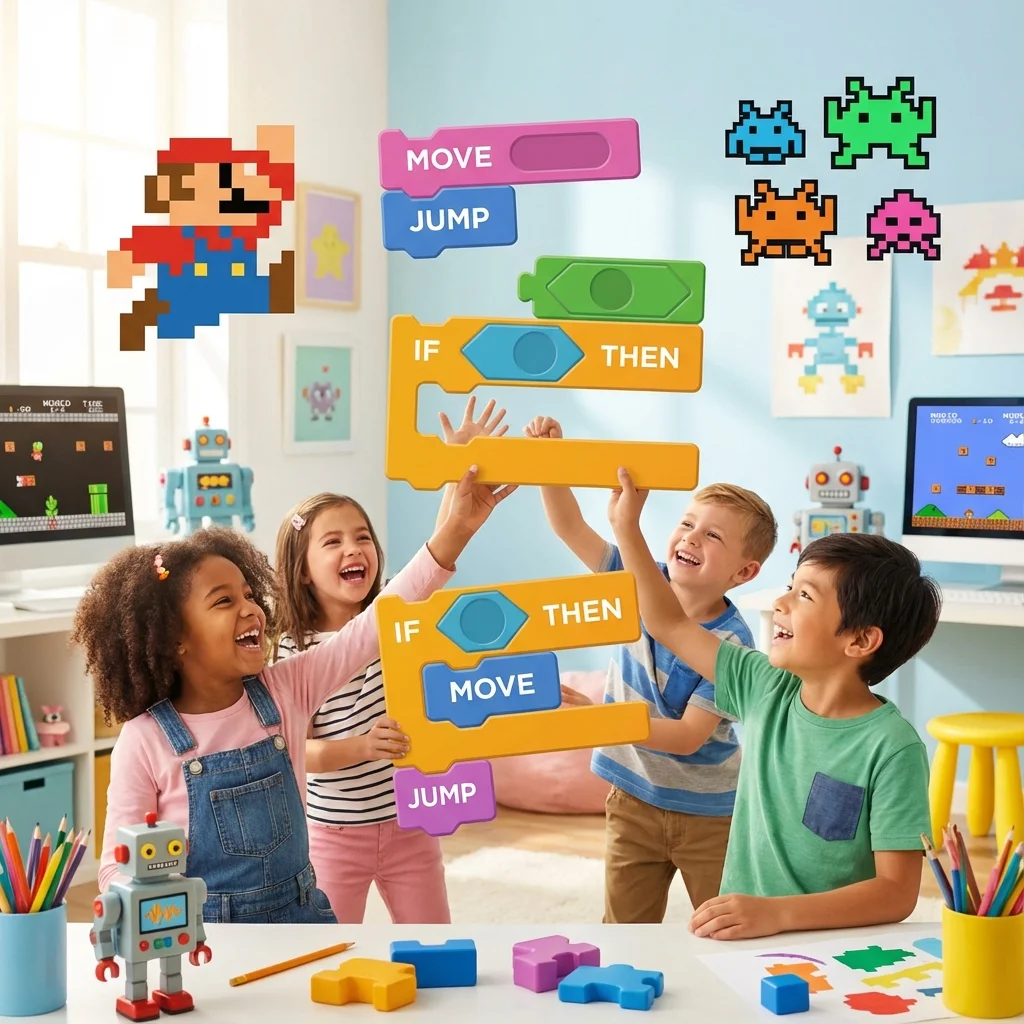
Scratch Game Creators
Command visual coding block assembly. Program sequential loops, conditionals, parameters, variables, and events.
Tools Mastered: Scratch blocks canvas, Scratch sprite editor, coordinates grids.
Outcomes: Build multi-level games. Understand loops, variables, and condition logic.
Scratch Creators
Logic & Creative
Bridges the gap between virtual visual blocks, graphics vectors, and hardware movement command.
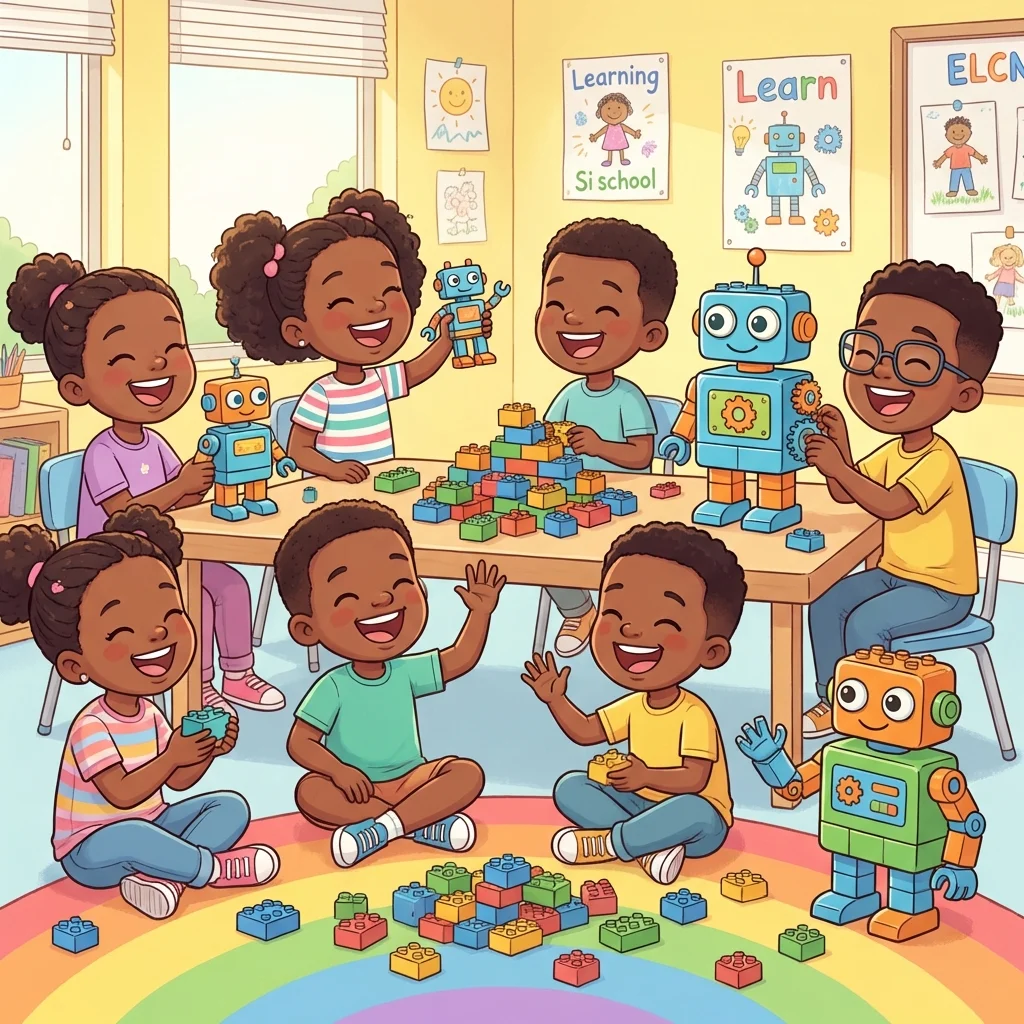
Junior Robotics
Junior Robotics
Connect coding scripts to mechanical hardware. Integrate motors, triggers, gears, and sensors to power automated bots.
Tools Mastered: LEGO Boost hardware hubs, Scratch connection engines, sensor registers.
Outcomes: Map inputs to outputs. Program motor direction, angle loops, and obstacle triggers.
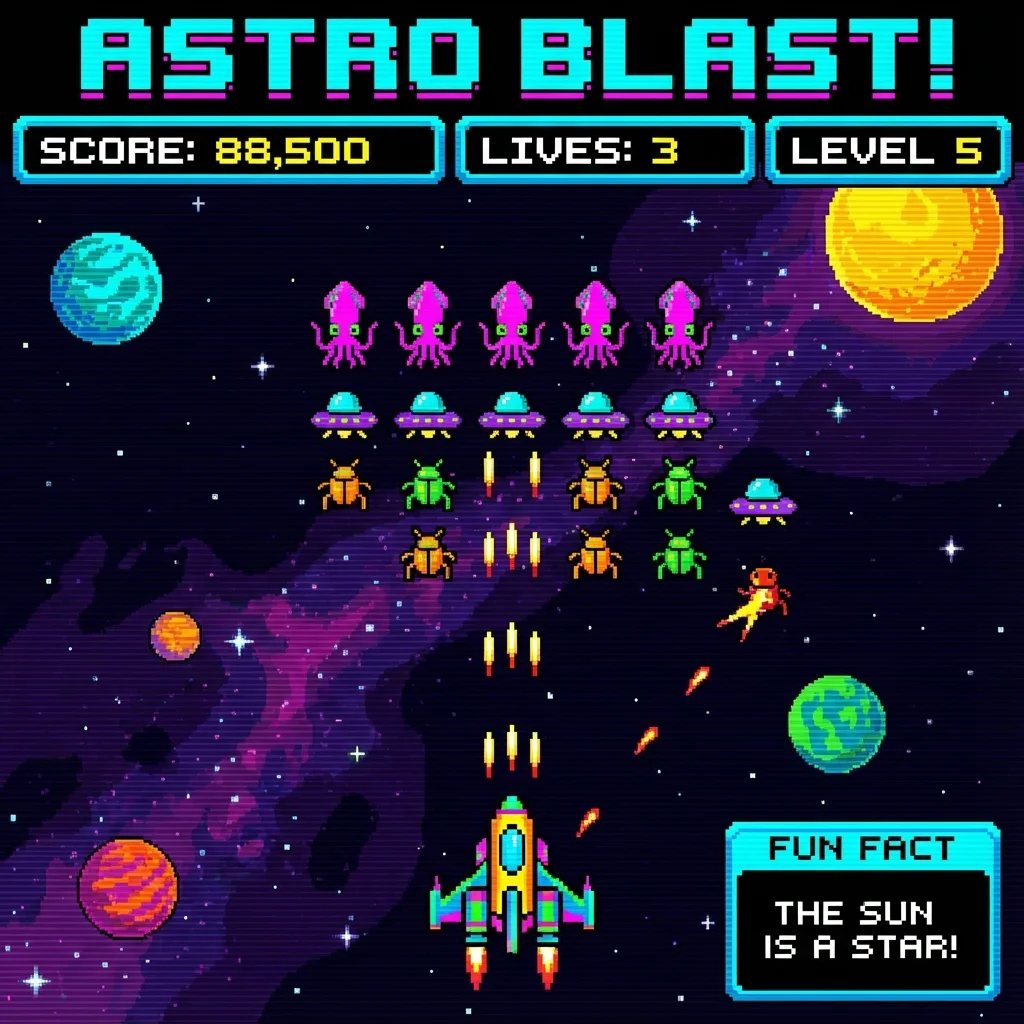
Creative Coding
Blend coding blocks with mathematics, geometry, and design coordinates. Render custom vector shapes and games on HTML Canvas.
Tools Mastered: HTML Canvas context API, JavaScript variables, vector loops.
Outcomes: Draw coordinates mathematically, create animated sprites and vector shapes.
Creative Coding
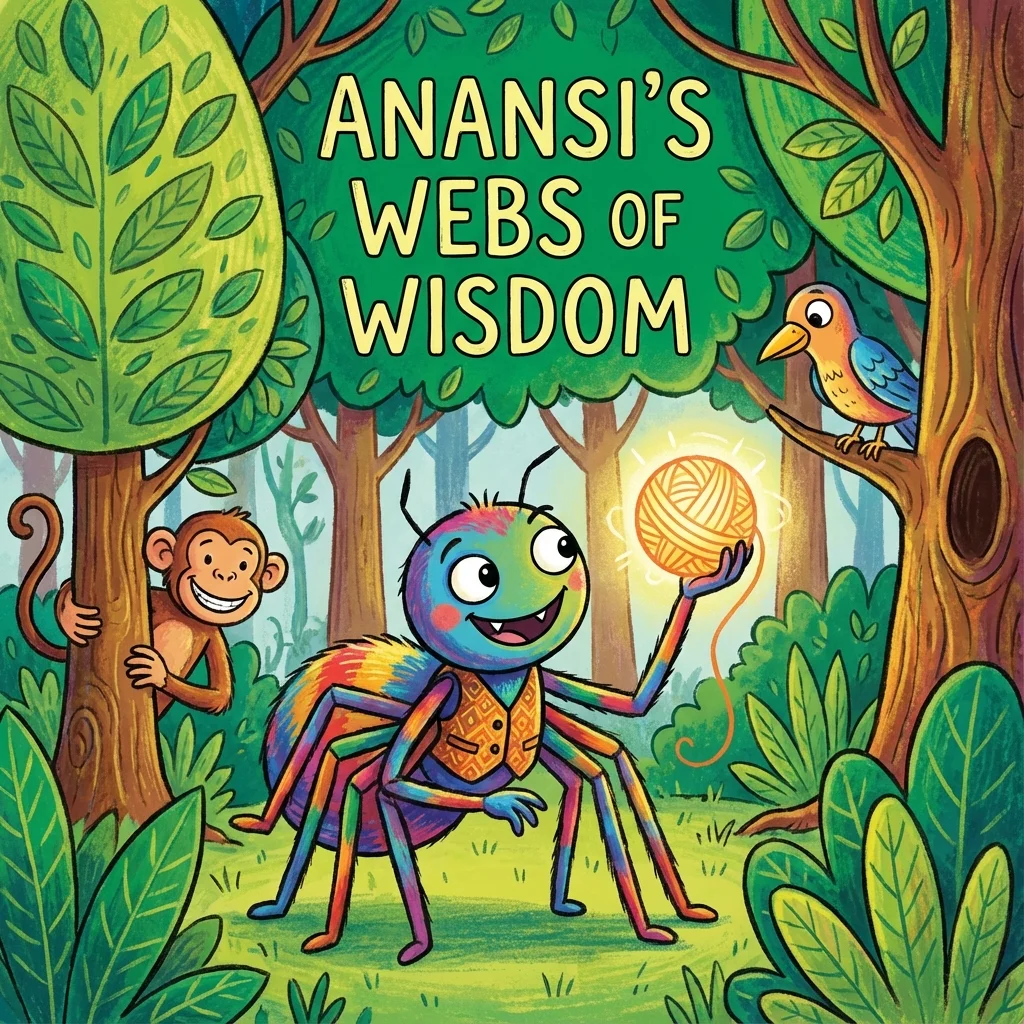
Digital Art
Digital Art & Design
Learn digital layouts, vectors, and color design systems in Figma. Export custom assets for frontend games and page UI structures.
Tools Mastered: Figma vector tool, asset layout systems, colors grids, wireframe components.
Outcomes: Build complete game assets libraries, layout UI web headers, and wireframe pages.
Syntax & Hardware
Transition into text-based syntactic code structure and wire physical electronics circuits.
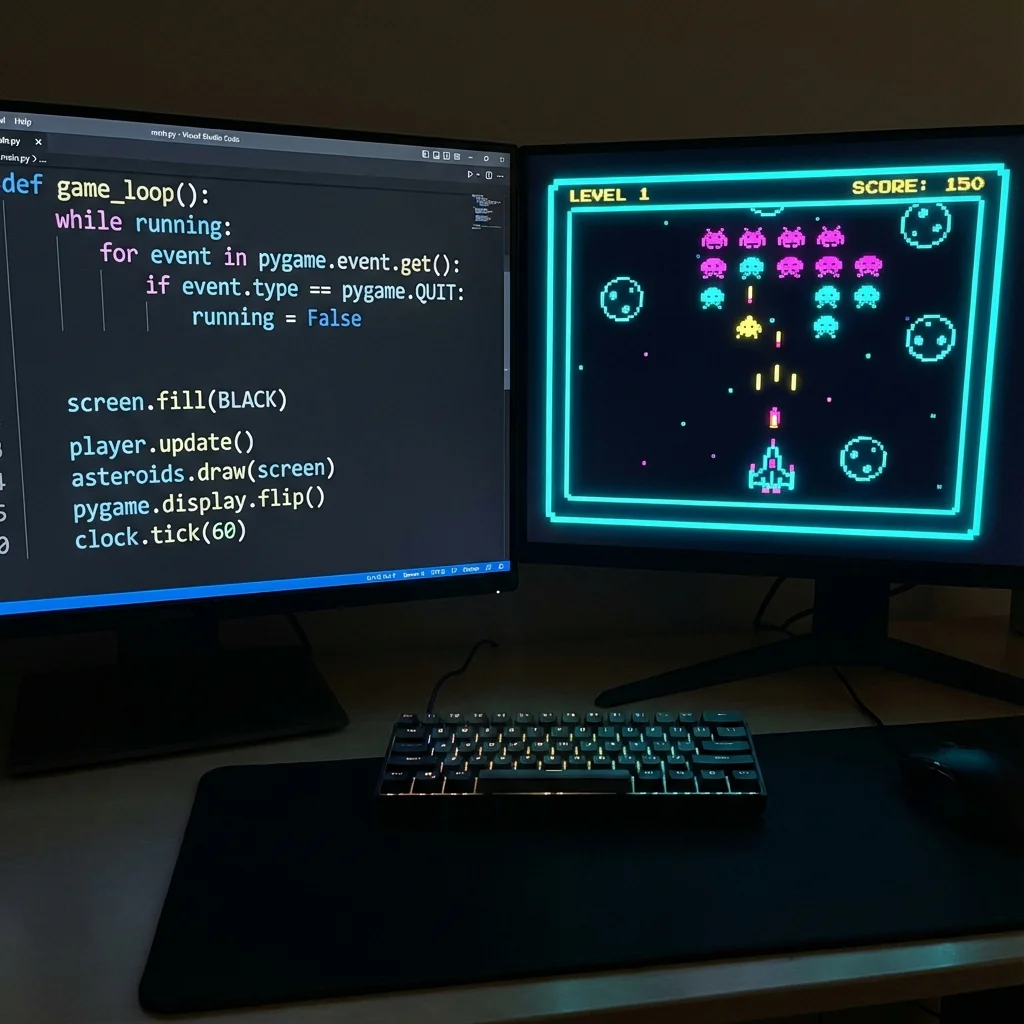
Python Programming
Ditch visual blocks for text syntax. Code Python variables, conditional scopes, functions, data lists, and loops.
Tools Mastered: VS Code console terminal, Python Interpreter, basic syntax debug tools.
Outcomes: Build arithmetic utilities, text RPG terminal games, and write loops scripts.
Python Power
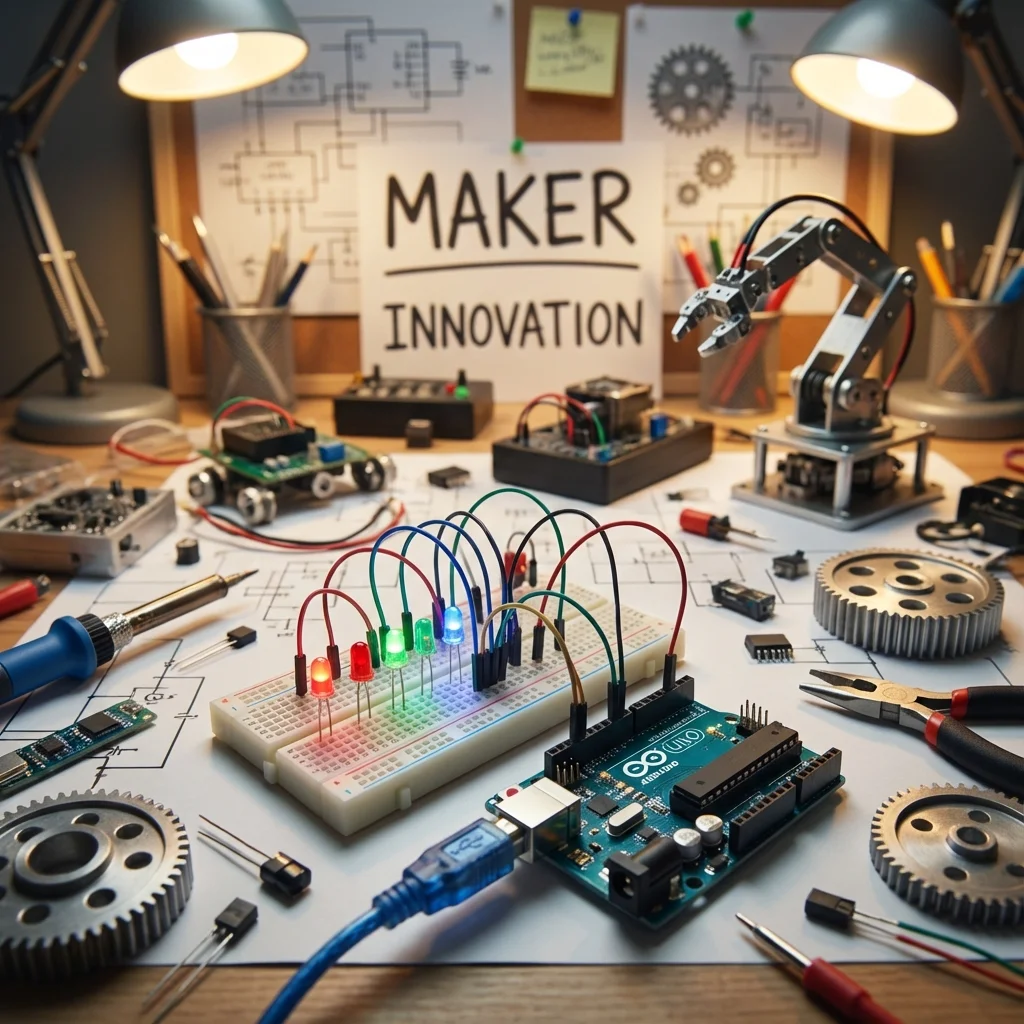
Arduino Lab
Robotics Lab (Arduino)
Wire physical circuits. Program Arduino C++ loops to read distance sensors, coordinate breadboards, and output signals.
Tools Mastered: Arduino IDE, breadboards, resistors, light sensors, registers indicators, servos.
Outcomes: Wire circuits, execute analog signal logic loops, configure physical outputs.
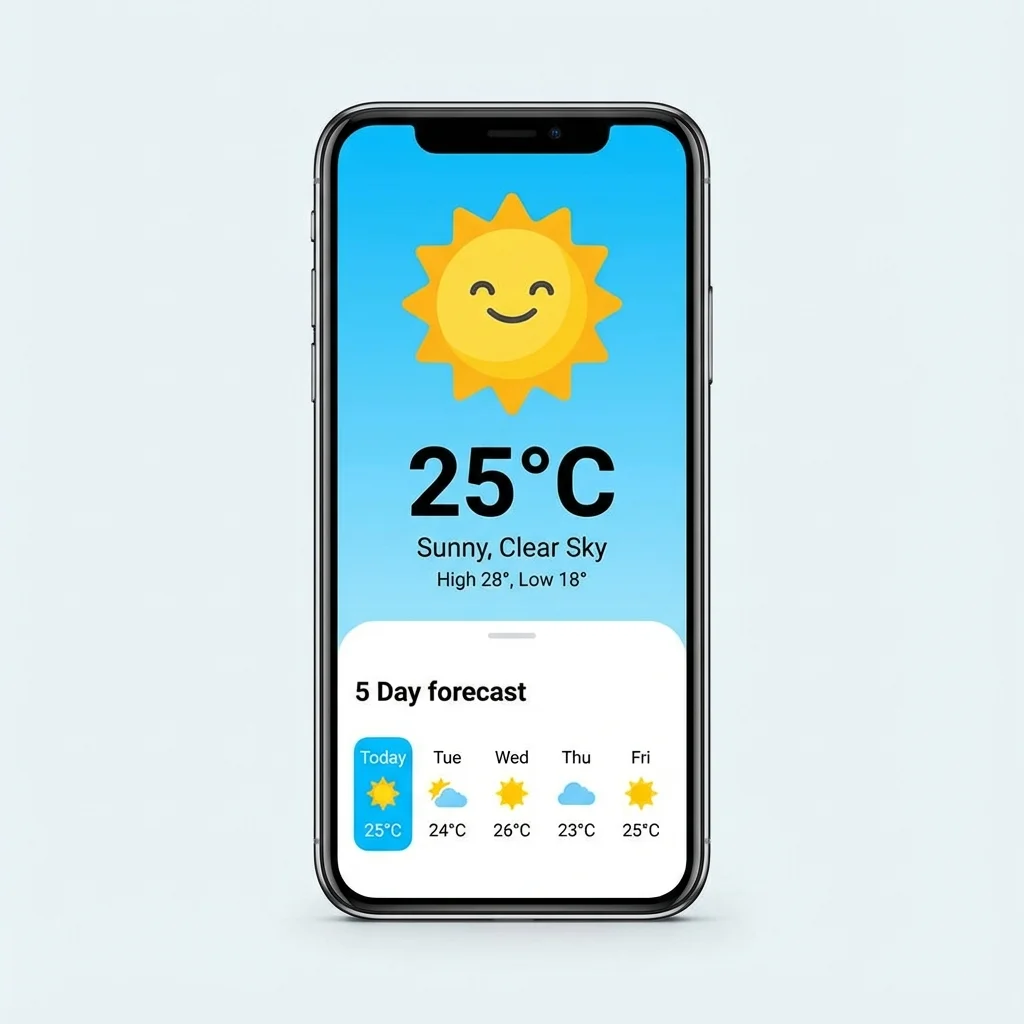
Web Wizards (Frontend)
Structure semantic HTML5 markup. Style pages with CSS Flex/Grid properties, and program DOM logic in JavaScript ES6.
Tools Mastered: HTML5 tags, CSS margin grids, JS DOM elements selectors, Netlify hosting.
Outcomes: Build responsive layouts, wire interactive calculators, and host static webpages.
Frontend Web
Advanced & Systems
Operate at system core. Build deployable database endpoints, train models, and manage shell environments.
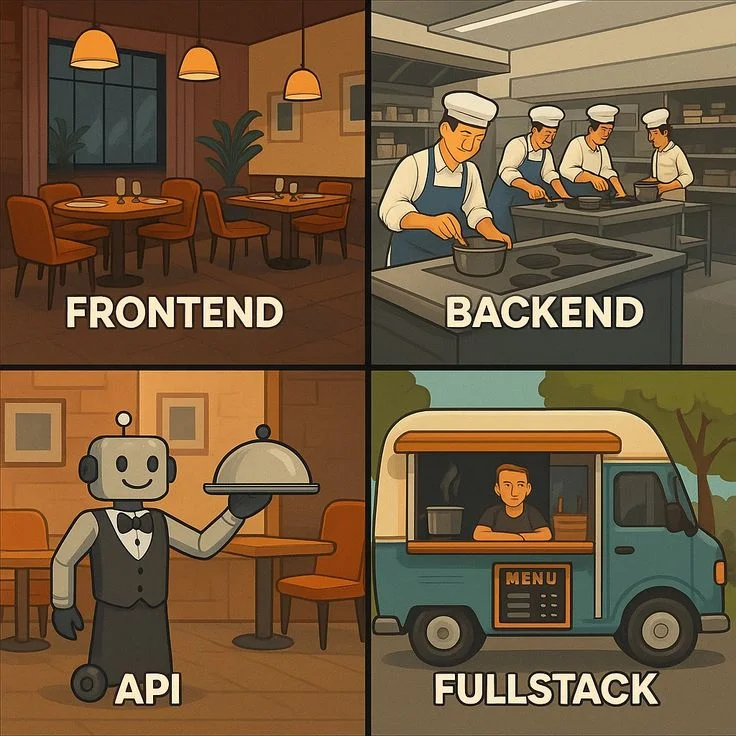
Full-Stack Web
Full-Stack Web Architectures
Master backend REST APIs with Node.js & Express. Setup relational schemas, queries, and store data securely in database Tables.
Tools Mastered: Node.js express APIs, Git terminal branches, MongoDB databases configurations, Render hosting.
Outcomes: Write backend API routes, query database documents securely, manage Git branches.
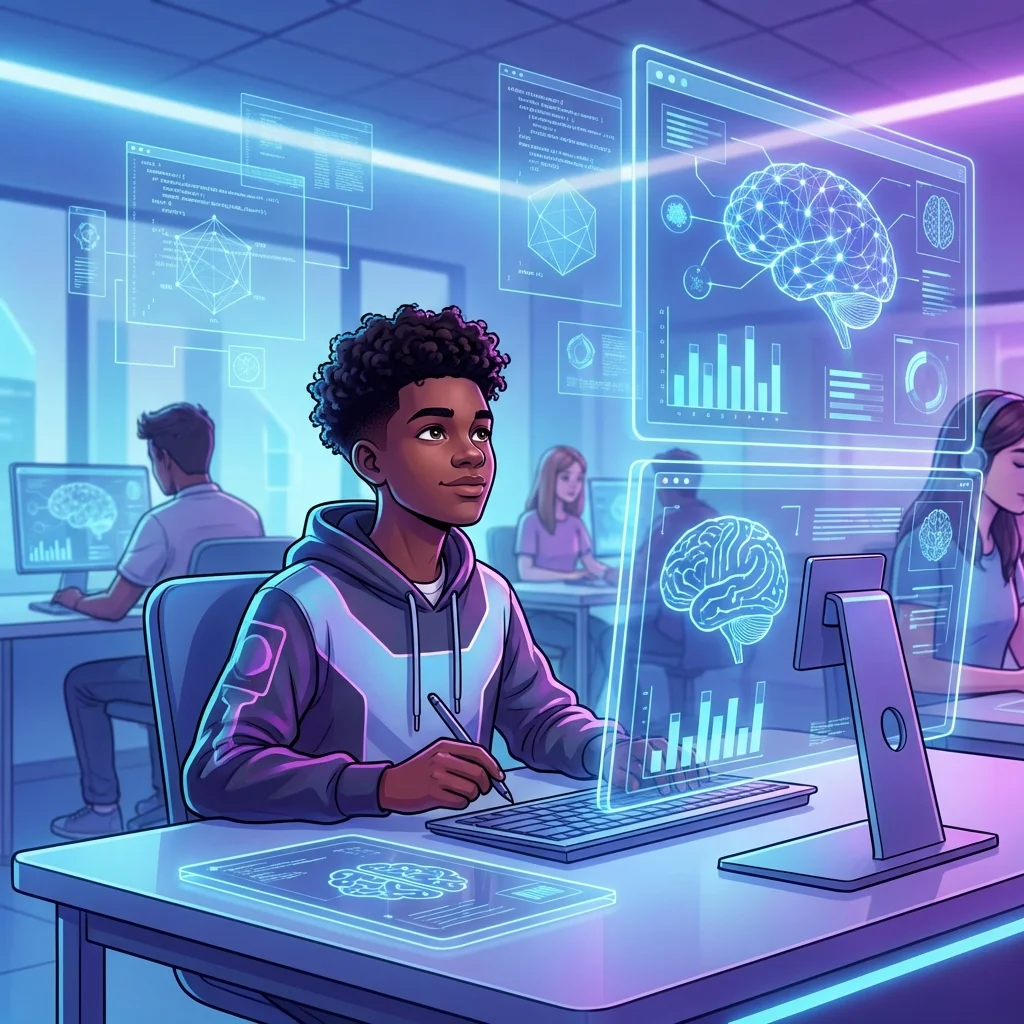
AI & Machine Learning
Analyze data patterns. Model decision trees, linear regression margins, and train neural network text classifiers in Python.
Tools Mastered: Jupyter Notebooks, Pandas data frames, TensorFlow / Keras modules, scikit-learn.
Outcomes: Process CSV data files, plot accuracy margins, train neural classifiers.
Machine Learning
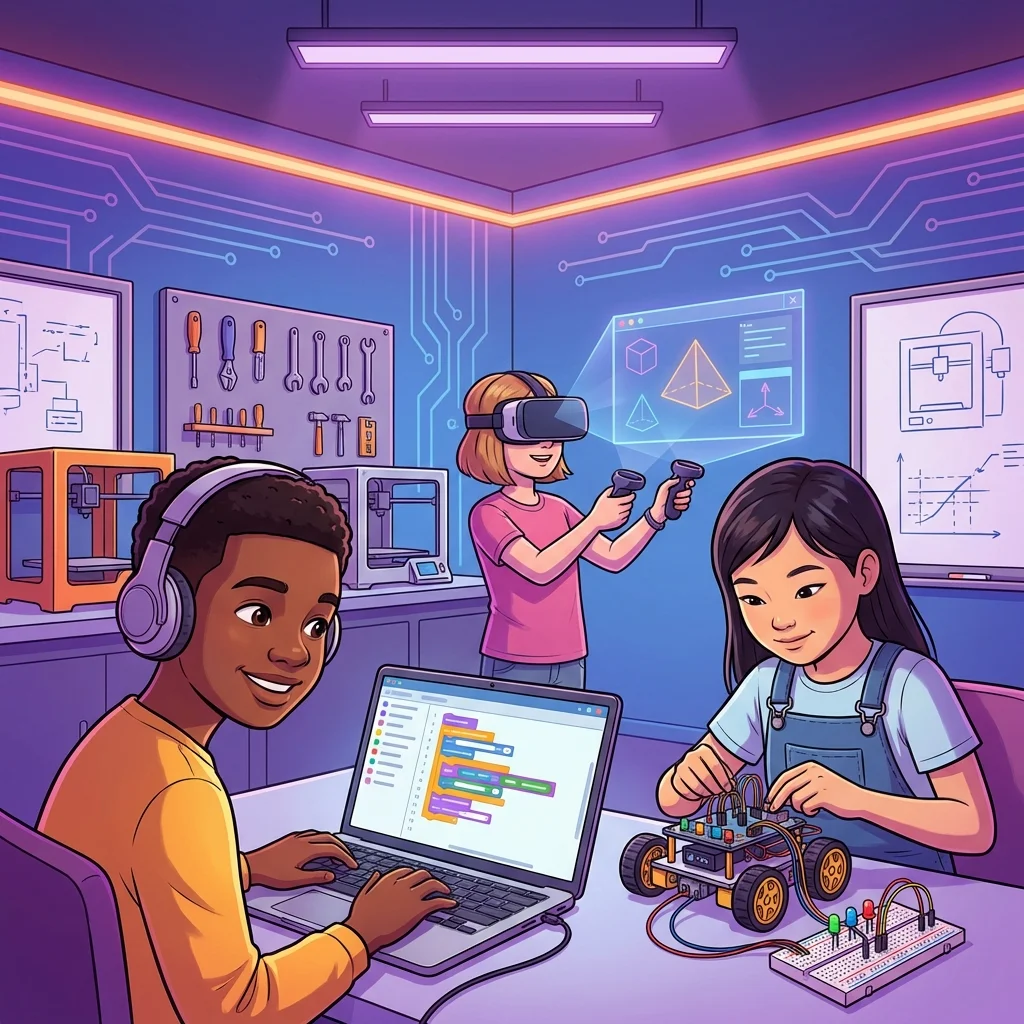
Systems Linux
Systems & Shell Scripting
Interfacing directly with OS kernel. Program Bash shell variables, pipeline command scripts, and configure automation tasks.
Tools Mastered: Linux Terminal (Bash), SSH utilities, custom cron jobs, system pipelines.
Outcomes: Automate server directories backups, pipe shell scripts logs, configure user permissions.
1-on-1 Academic Tutoring
Targeted study tracks led by top-grade academic mentors. Fully customized to the student's syllabus, school curriculum, and GCSE exam preparations.
Mathematics Mastery
Arithmetic, algebra, geometry, and statistics. Structured progressively from foundations up to advanced calculus and GCSE prep.
Science Explorers
Biology, Chemistry, and Physics. Build scientific vocabulary and conceptual understanding through interactive modules and core experiments.
Triple Science (GCSE)
Comprehensive separate Biology, Chemistry, and Physics. Core focus on GCSE exam papers, practical marks, and mark scheme walkthroughs.
English Language
Reading comprehension, creative writing, syntax rules, grammar mastery, and literature reviews. Focus on logical fluency and expression.
GCSE Past Papers Prep
Direct practice under timed settings. Walkthrough markings schemes, identify key error trends, and refine answers for max points.
Global Monthly Tuition Plans
Private 1-on-1 instruction. No hidden fees. Cancel or pause anytime with zero penalty.
Foundations Lab
Scratch 3.0, Creative Coding, logic algorithms, and junior computational thinking.
4 × 60-min sessions · 1×/week
- Private 1-on-1 dedicated instructor
- Playable game design projects & animations
- Creative Scratch & Junior Python mastery
- Monthly parent progress evaluations
- Certificate on course milestone completion
Young Engineers Academy
Text-based Python, HTML/CSS/JS web development, and Cambridge Checkpoint CS.
4 × 60-min sessions · 1×/wk (8×/mo available)
- Senior software engineering mentor
- Live website hosting & GitHub profile deployment
- Algorithmic problem solving & debugging
- Verified Certificate of Project Mastery
- Dedicated between-session tutor code review
Pre-University Fellowship
Hardware kinematics, Arduino, Aerodynamics simulators, and college admissions portfolio prep.
8 × 60-min sessions · 2×/week intensive
- 8 private 1-on-1 live mentoring sessions / mo
- Senior Systems Engineer / Hardware mentor
- Robotics kinematics & aerodynamics simulator capstone
- Standout GitHub repo for US/UK university admissions
- Academic recommendation letter upon capstone completion
Frequently Asked Questions
How does billing work? +
You are billed monthly on the date you first enrolled. Sessions are booked directly with your tutor on a schedule that suits your family. There are no term-time commitments.
Can I cancel or pause at any time? +
Yes. You can cancel or pause your subscription before the next billing date with no cancellation fee. Simply contact us at least 5 days before your next renewal.
What happens if we miss a session? +
Sessions cancelled with at least 24 hours notice are rescheduled at no charge. Sessions missed without notice are not automatically rescheduled, but we will always try to accommodate genuine emergencies.
Can my child switch programmes? +
Yes. Students can transfer between programmes at any renewal date. If moving from Starter to Advanced, the price difference is charged on the next billing cycle.
Is there a free trial or assessment? +
Yes - the first trial class is completely free with no credit card required and no commitment. We use it to assess your child's current level and match them to the right programme and mentor.
Do you offer sibling discounts? +
Yes. Families enrolling two or more siblings receive 10% off the second subscription. Contact us after enrolling your first child to apply the discount.
What equipment does my child need? +
A laptop or desktop computer (Windows or Mac) and a stable internet connection. All software used in our programmes is free. For Arduino and Robotics, a starter kit is required: we will send the exact kit list after enrolment.