For Parents
A parent's guide. To child coding. Watch them thrive.
We know how important it is to feel confident about where your child is spending their learning time. Here's how STEMulus works - and how we keep you in the loop at every step.

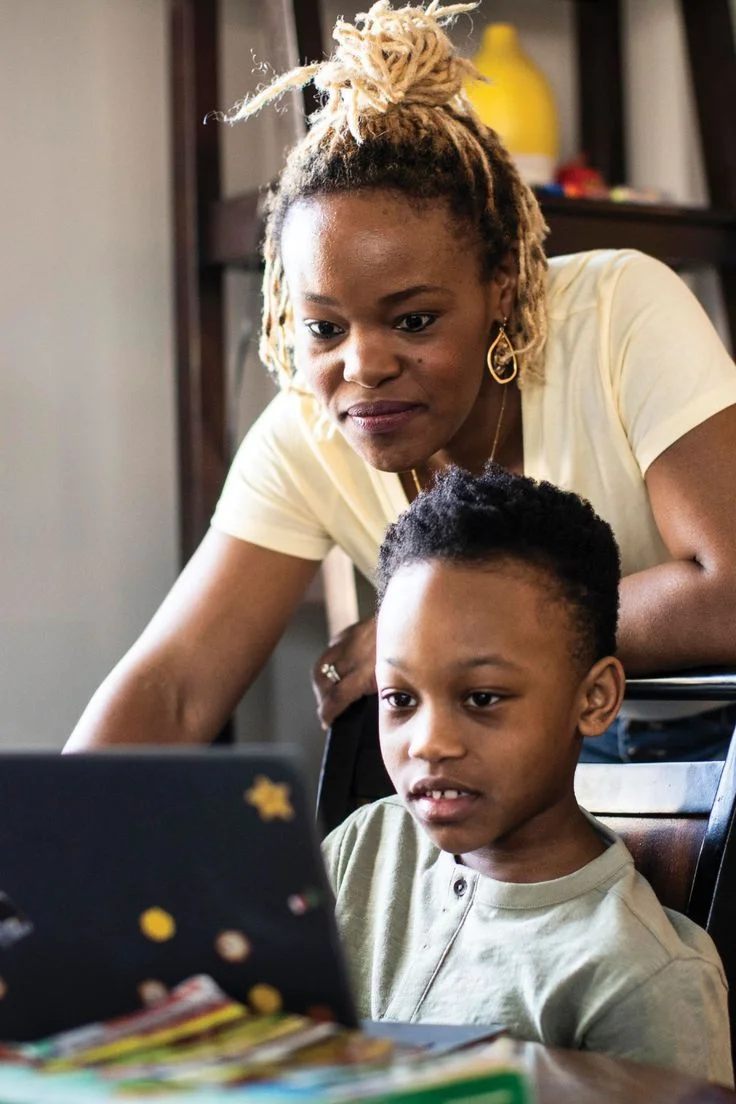
Turn screen time
into build time.
Most parents worry about screens because kids spend hours passively scrolling social feeds or playing games. We change the dynamic entirely: we don't fight the screen, we transform it into a canvas.
- Passive Scrolling: Consuming content created by others
- Active Coding: Designing algorithms, structures, and systems
- Creative Control: Building their own games, websites, and robots
From enrollment to first session
in under 48 hours.
Complete Enrollment
Fill in our short form with your child's name, age, and programme preference. No payment required to start. Takes under 5 minutes.
We Match Your Child
Within 2 hours, our team selects the best mentor based on your child's age, experience level, and programme. You're notified by email.
Free Intro Session
Your child meets their mentor for a free 1-hour introductory class. No commitment. Just a chance to build rapport and start learning.
The Journey Begins
If you're happy: and our families always are: we book the regular weekly schedule and your child's coding journey is officially underway.
Full visibility.
Always.
Every STEMulus parent gets a dedicated dashboard - a single place to see everything that matters about your child's progress. No guessing. No chasing.
- Live session schedule and calendar booking
- Detailed written report after every session
- View any session recording, any time
- Direct messaging with your child's mentor
- Project portfolio and milestone tracking
- Billing and subscription management in one place
Your child's safety is not
a feature: it's the foundation.
Every safeguard below is active for every session, every time: without exception.
Every Session Recorded
All sessions are recorded and stored securely. Parents can view any recording at any time via the dashboard: no request needed.
Fully Vetted Mentors
Every mentor is background checked, interviewed, and reference verified before their first session. No exceptions.
Parents Always Welcome
You can sit in on any session, any time. We actively encourage it for younger students: no need to ask permission.
Encrypted Video Platform
Sessions are conducted on professional, encrypted video tools: never on public social platforms or unmonitored chat tools.
GDPR & NDPA Compliant
Your family's data is never sold, shared, or used for advertising. We comply fully with GDPR and Nigerian NDPA data protection laws.
Direct Mentor Access
Parents can message their child's mentor directly through the dashboard. All messages are responded to within 4 working hours.
The Kind of Conversations We Have
Simulated examples representing typical communications to show how mentors and parents stay connected.
*Note: The exchanges displayed above are simulated examples representing typical communications to demonstrate the Parent Dashboard functionality. Individual child progress and updates will vary.
Questions parents always ask.
Can't find your answer here? Send us a message - we reply within a few hours.
What equipment does my child need?
What if my child doesn't enjoy their mentor?
How do I know my child is actually progressing?
Can I enroll more than one child?
What timezone do sessions run in?
Can I sit in and watch a session?
What happens if we need to cancel a session?
Ready to Start?
Give your child the gift
of building things.
Enroll today. First class is completely free.
Mentors are ready. No card required.
Ages 5-17 · First class free · No card required · Cancel anytime